Why a good IT system changes how a small business is run
14 April 2026 · 6 min read
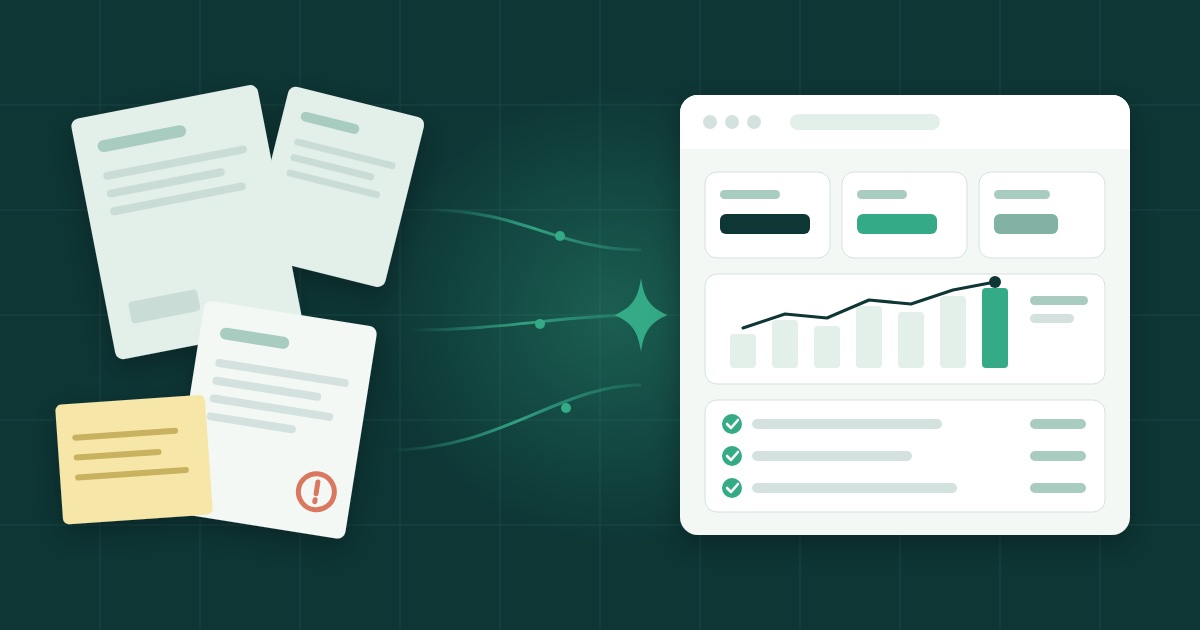
A good IT system is what lets a small business know at any moment who owes it what, what it owes, and whether it is making money, without spending its evenings piecing it together. It is not about having the most complete software, but tools that keep information in the right place, once, and make it available when you need it.
In short
- A spreadsheet and an inbox hold for a while, then the things forgotten cost more than a tool.
- A good system keeps each piece of information once, gives time back to the job and shows your cash without arithmetic.
- Since 1 January 2026, structured electronic invoicing is mandatory between Belgian VAT-registered businesses.
- Choose simple tools, one per job, with a stated price, that leave your data with you.
- Start with the task that costs you the most time each week.
The hidden cost of "making do"
Most small businesses start with what they have: a spreadsheet for invoices, the inbox for orders, a notebook in the van, and the manager's memory for the rest. It works, until the day it doesn't.
The symptoms are always the same:
- a supplier invoice found three months later at the bottom of an email;
- a client never chased because nobody knew they had not paid;
- the same address typed into three files, two of them wrong;
- a month-end that takes a whole weekend, ticking off bank statements line by line;
- a paper work order lost, and so a job never invoiced.
None of these is serious on its own. Together they eat time, cash and peace of mind. And that time is exactly what the person running a small business does not have.
What a good system really gives you
One version of the truth
When information is entered once and found everywhere, copying errors disappear. The client record serves the quote, the invoice and the reminder. The amount on the invoice is the amount you match against the bank. You stop wondering which file is the right one.
Time given back to the job
An electrician is paid to pull cables, not to retype work orders at night. A consultant bills advice, not hours of filing. Every admin task a tool does for you, or spares you from doing twice, is time given back to the work that pays.
Cash you can see
Knowing what is invoiced, what is paid and what is still due is the foundation. A system that matches bank statements to invoices shows you without any arithmetic. You see the tight month coming instead of discovering it.
Decisions made on figures
Which client is profitable? Which activity costs more than it brings in? Without reliable data you answer by gut feeling. With data kept up to date as you go, the answer is in front of you.
A more professional image
A work order signed on screen and in the client's inbox as a PDF within a minute, a clear invoice without mistakes, a quick reply to a request: the client notices. Tidy administration is part of the service.
Electronic invoicing changed the picture
Since 1 January 2026, every Belgian VAT-registered business must exchange structured electronic invoices with other businesses. A PDF invoice sent by email is no longer enough between companies.
For many small businesses this is the moment "making do" reaches its limit. If your invoicing still runs on a word processor and a spreadsheet, it is a good reason to rethink the whole thing rather than add one more patch. The official information is on the FPS Finance e-invoicing site.
How to choose without getting it wrong
The classic trap is wanting to solve everything at once, with one big package that promises to do it all. For a small business, a few principles are worth more than a feature list.
One tool, one job
A tool that does one thing well is easier to adopt, understand and replace than a suite that does everything halfway. Three simple tools you actually use beat an ERP of which you open one screen in ten.
A price stated up front
You should know what you will pay before you start, and what you will pay as you grow. Be wary of "price on request" for a small-business tool.
Your data stays yours
Ask where your data is stored, who can access it, and whether you can take it with you easily on the day you leave. A good tool does not hold you hostage.
Built for the field
If your people work at the client's, the tool has to work on a phone, and ideally offline. Software that is only practical in the office will not be used where the work happens.
Built for your size
A tool designed for a company of five hundred imposes steps, roles and screens that a team of two does not need. Choose what fits your reality today, not the one you might have in ten years.
Where to start
There is no need to change everything at once. Take a sheet of paper and write down the admin task that costs you the most time each week. That is the one to solve first.
- If it is invoices, purchases and the bank: Tako brings them together in one tool for small companies without an accounting department. It is in private beta, by invitation.
- If it is work orders on site: BonTrava lets you fill them in on a phone, have them signed on the spot and send them as a PDF.
- If it is finding new clients: Truva searches the BCE register for newly registered companies that match your trade.
Once the first task is solved, move to the next. A good IT system is not installed in a day: it is built, one task at a time, until month-end no longer takes a weekend.
Frequently asked questions
Does a small business really need management software?
As soon as there are invoices to follow, clients to chase and a bank account to reconcile, yes. A spreadsheet and an inbox hold for a while, then the things forgotten cost more than the tool.
Do I need an ERP?
Rarely. An ERP is built for large organisations. A small business gains more from a few simple tools, each doing one job, that show only what it uses.
Is electronic invoicing mandatory in Belgium?
Yes. Since 1 January 2026, Belgian VAT-registered businesses must exchange structured electronic invoices with each other.
Where do I start?
With the task that costs you the most time each week. Solve that one first with a suitable tool, then move to the next.