Smartschool accounts at the start of the school year
25 August 2026 · 5 min read
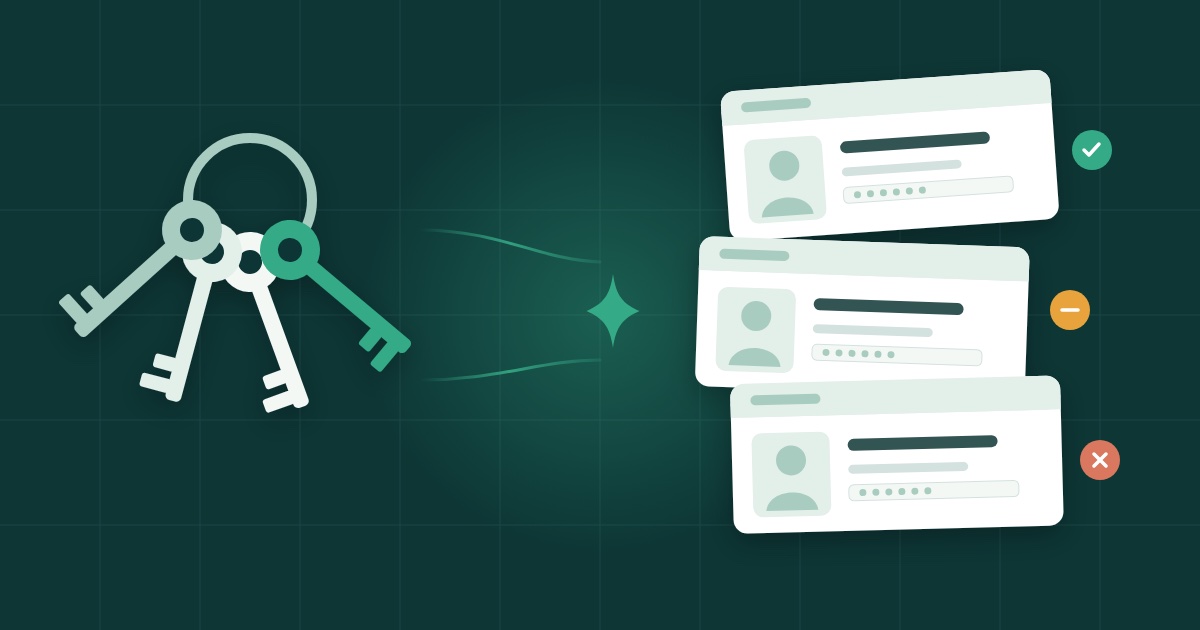
A new class's Smartschool accounts can be done in one sitting if you handle the chores together: pick the class, check what is about to change, then hand out the credentials on paper or by e-mail. That is the job of Sleutelbos: it generates passwords, prints credential cards, matches photographer deliveries to pupils and reports which accounts are actually used. It shows a preview before it changes anything, and it stores no credentials.
In short
- The same chores come back every start of the school year: passwords, credential cards, class photos and accounts nobody uses any more.
- Sleutelbos works class by class, for the pupils, their co-accounts, or both.
- A dry run shows what would change before anything is written to Smartschool.
- Credentials go out as cards to cut out, letters for home or by e-mail, after a preview.
- No password is kept; a log records who changed what.
- Sleutelbos is live, in Dutch only, at €5 a month per school.
The end-of-August chores
At the end of August, a school's ICT coordinator has a list of new first-years, a phone that will not stop ringing and a first day of term that will not move. None of the work is hard. It is the repetition that wears you down, and the fact that every mistake shows up on the first day of lessons, when a pupil cannot log in.
It is nearly always the same list:
- passwords: one for every new pupil, and sometimes for the co-accounts linked to them;
- credential cards: putting those details on paper, legibly, one card per pupil, with the right name on it;
- the photographer's photos: a zip full of pictures, each of which has to end up with the right pupil;
- unused accounts: knowing which accounts are still really used and which are just sitting there.
Each of these jobs on its own takes an hour. Together, across several classes, they eat a week nobody has.
One class, in three moves
Sleutelbos starts from a simple idea: take one class at a time and finish it, rather than doing each chore for the whole school at a different moment.
Pick the class
You choose the class and who gets a new password: the pupils, their co-accounts, or both. The scope is clear from the start, and you do not touch another class by accident.
Look before it runs
Before anything is written, Sleutelbos does a dry run that shows exactly what would change. You read it through and check that these are the right pupils and the right accounts. Only then is anything written to Smartschool.
Nothing reaches Smartschool without a preview, and no password is kept once the session is over: all that remains is a log of who changed what.
Hand it out
Then the credentials have to reach everyone. Sleutelbos gives you three ways: cards to cut out, letters for home, or an e-mail where there is an address. That too comes after a preview.
By the end of the session the class is done, with a log of who changed what.
The photographer's photos
The school photographer delivers the photos in a zip file. Matching them to the right pupils is the kind of job that keeps getting postponed: it is slow, and a mistake is obvious straight away.
Sleutelbos matches the photographer's zip to the pupils and gives each match a green, orange or red status. Where there is doubt, the software does not guess: a person decides. You keep control of the unclear cases without redoing the obvious ones by hand.
Accounts nobody uses any more
Year after year, accounts pile up. Some are still used, some are not. Sleutelbos produces a usage report that shows which accounts are actually used, so the school can trim its Smartschool licences.
The report does not decide anything for you. It gives a factual basis to a conversation that otherwise tends to run on gut feeling.
Credentials that do not linger
Pupils' credentials are sensitive, and many pupils are minors. Sleutelbos is built to hold on to as little as possible: every change comes after a preview, no credentials are stored, and after the session no password is kept anywhere.
A few general habits point the same way, whatever tool you use:
- do not let passwords travel in a shared spreadsheet or a shared mailbox;
- hand cards and letters directly to the pupils they are meant for, and do not leave spare printouts lying around;
- read the preview carefully before you confirm, especially in a class where two pupils share a name;
- keep a record of who changed what, so you can answer when a parent or a colleague asks.
Where to start
Start with one class, ideally the first to arrive: the new first-years. Take it from start to finish in Sleutelbos, from choosing the class to handing out the cards, then move on to the next one.
Sleutelbos is made for school administrators and ICT coordinators. It is live and costs €5 a month per school (€60 a year), with free onboarding. The tool itself is in Dutch only. All the details are on the Sleutelbos page, and the tool is at sleutelbos.everbright.be.
Frequently asked questions
Does Sleutelbos keep pupils' passwords?
No. It stores no credentials. After the session there is a log of who changed what, but no password stored anywhere.
Can anything change in Smartschool without me seeing it first?
No. A dry run first shows exactly what would change. Only then is anything written to Smartschool.
Is Sleutelbos available in English?
No. Sleutelbos is available in Dutch only.
How much does Sleutelbos cost?
€5 a month per school, or €60 a year. Onboarding is free.