Combine photos and PDFs into one PDF, on your phone
12 May 2026 · 2 min read
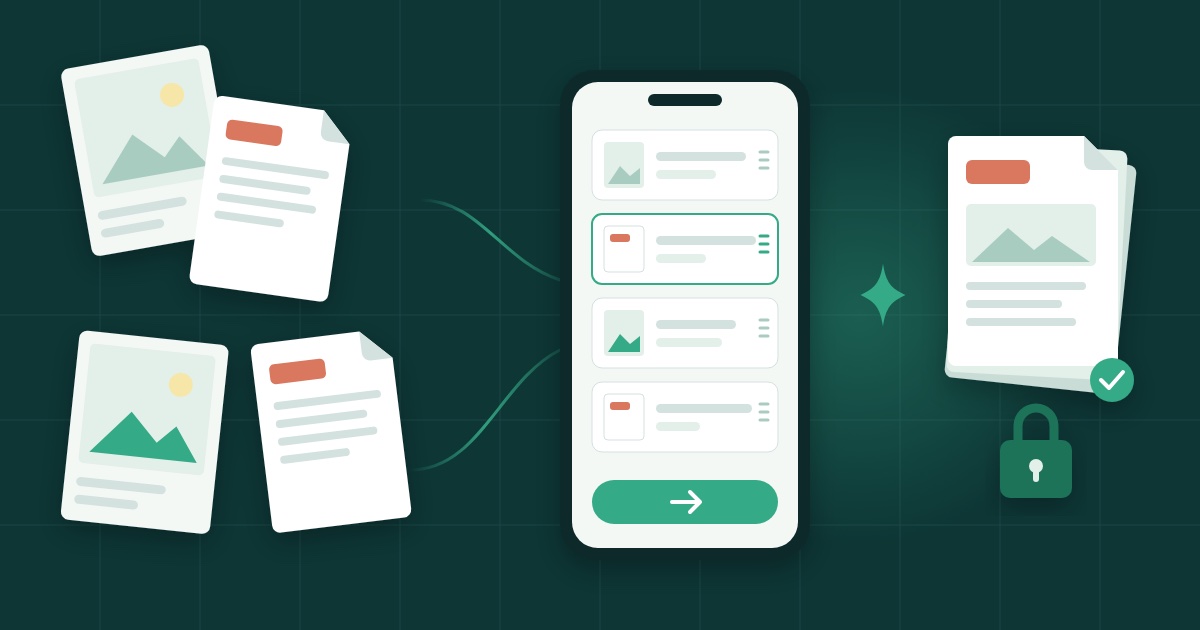
You have three handwritten pages, two PDFs from your bank, and a form that accepts exactly one file. This is the situation that sends people looking for a "PDF merger" and landing on sites that ask them to upload their documents to a server they know nothing about.
You do not need to upload anything. Here is how to get one PDF in about a minute, on the phone you are holding.
Add the pages
Open Bundel and add your pages: photograph the paper sheets, or pick the files you already have. Photos and PDFs can sit side by side.
On Android, the "Choose files" button often offers "Scan", which straightens the page for you. That is worth using for anything on paper: a skewed photo of a sheet is harder to read and looks careless to whoever receives it.
Put them in order
Drag the pages into the order the recipient expects. For an insurer or an administration this usually means the form first, then the supporting documents in the order the form mentions them. Take a moment here; once the file is sent, reordering means starting again.
Merge
One button gives a single PDF, ready to send. Nothing has left your phone at any point: the pages stay on your device from the first photo to the finished file.
Why it matters that nothing is uploaded
The documents people merge are rarely trivial: identity papers, medical certificates, contracts, claims. A tool that processes them on the device means there is no copy on someone else's server to worry about, no account holding a history of what you sent, and nothing to delete afterwards.
Bundel is free and available in French, Dutch and English: open Bundel.
Frequently asked questions
Do I need an account or an app?
No. Bundel runs in the browser, needs no account and no install, and works offline.
Are my documents uploaded anywhere?
No. The pages stay on your device from the first photo to the finished PDF.
Can I mix photos and PDFs in one file?
Yes. Photos of paper sheets and existing PDFs sit side by side and can be arranged in any order.