Month-end for a small company with no accounting department
15 September 2026 · 6 min read
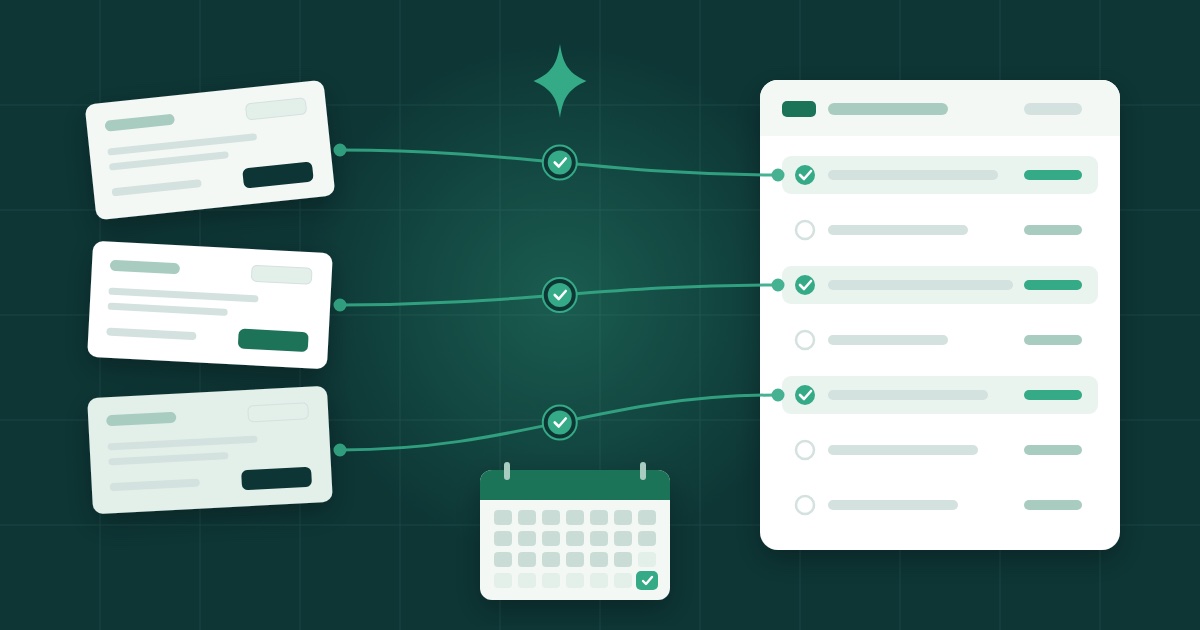
Without an accounting department, month-end comes down to three moves made in the same order every time: gather supplier invoices in one place, match each line of the bank statement with the invoice it settles, and bill clients from that same place. Once those three are done, three answers almost appear on their own: what is still unpaid, what has been paid, and what the company actually earned.
In short
- Month-end overruns when invoices are scattered between an inbox, a drawer and a phone.
- Gather supplier invoices as they arrive, not on the last day.
- Match every payment with its invoice: a bank line with no invoice is a question to ask straight away.
- Bill from the same tool as your purchases, so the sales register keeps itself.
- Read three figures: unpaid, paid, earned. The rest is detail.
Why month-end overruns
Take a consultant who runs her own company, with no accountant on the payroll. Her supplier invoices arrive by email, sometimes on paper, sometimes as a photo on her phone. Her client invoices come out of a word processor. She downloads her bank statement when she remembers to.
On the last day of the month she has simple questions to answer. Has that client paid? Did I pay that subscription invoice twice? Did I make money this month? And every answer means opening three different places.
The problem is not the amount of work. It is that the information is never in the same place at the same time. The method below is about fixing exactly that.
Step one: gather the supplier invoices
The most useful rule is also the simplest: a supplier invoice has one place where it lands, and it goes there the day it arrives.
A few habits help:
- Don't leave an invoice in your inbox. An inbox is for receiving, not filing. As soon as an invoice comes in, put it where you keep your purchases.
- Photograph paper right away. A receipt or a paper invoice gets lost; a photo doesn't, provided it ends up in the same place as everything else.
- Note what is already paid. An invoice settled by direct debit or card needs no action, but it still has to find its bank line at month-end.
- Keep a rhythm. Five minutes a week beats a whole afternoon on the last day.
At month-end you are then no longer hunting for invoices, only checking that none is missing.
Step two: match the bank
Bank reconciliation means putting each line of the statement next to the invoice it belongs to. It is the step people put off most, yet it is the one that tells the truth: the bank does not get wrong what came in and what went out.
Go line by line:
- For each outgoing payment, find the supplier invoice it settles.
- For each incoming payment, find the client invoice it clears.
- Set aside anything that has no match.
A bank line with no invoice opposite it is a missing invoice, a double payment or a mistake. In all three cases, you would rather find out on the last day of the month than three months later.
The lines left on their own are the real result of the exercise. A debit with no invoice: ask the supplier for it. A client invoice with no payment: time for a reminder. Two identical debits: worth a phone call.
Step three: bill clients from the same place
When client invoices come out of a word processor, you have to keep a separate list of what has been billed. Sooner or later that list drifts away from reality.
Billing from the tool that also holds your purchases and your bank fixes this at the source: every invoice you issue lands in the sales register, and the payment that later reaches the account is matched to it. You no longer keep a list, you only issue invoices.
Two tips along the way:
- Bill as soon as the work is delivered, not at month-end. An invoice sent early is paid early.
- Send reminders on a fixed day. Reconciliation shows what is unpaid: pick one day a month for reminders and stick to it.
What you should see at month-end
Once the three steps are done, month-end comes down to three questions.
| Question | Where the answer is |
|---|---|
| What is still unpaid? | Invoices, client or supplier, with no bank line opposite them |
| What has been paid? | Invoices matched with the statement |
| What did the company earn? | Sales minus purchases, once everything is reconciled |
That last question matters most, and it is the one most often answered by gut feeling. Yet it needs no complicated calculation: only complete purchases, complete sales and a bank that confirms both.
Where Tako fits
Tako was built for exactly this situation: a small company with no accounting department of its own and no wish for an ERP. It brings supplier invoices, client invoicing, bank reconciliation and profitability into one tool.
In practice it follows the three steps above:
- Drop the invoices: supplier invoices go into Tako as they arrive, instead of sitting in an inbox, a drawer and a phone. There they are filed and followed up.
- Match the bank: the bank statement comes in and Tako lines up each payment with the invoice it settles.
- Bill the clients: client invoices come out of the same tool and land in the sales register.
Modules are switched on company by company: you see only what you use. A small company does not have to find its way around screens it never needs.
Tako is currently a private beta, by invitation, and exists in French only. It cannot be bought or used freely for now.
Where to start
Don't try to catch up on the whole history. Start with the current month:
- Choose one place for your supplier invoices and put this month's in it.
- Download this month's bank statement and reconcile it, line by line.
- Note what is left on its own and deal with it before the next month starts.
If you are still wondering why a tool would make a difference, the article Why a good IT system changes how a small business is run sets the scene. And if your company fits Tako's profile, the Tako page describes it in more detail.
Frequently asked questions
Can I use Tako today?
Tako is a private beta, by invitation, and exists in French only. It cannot be bought or used freely for now.
How often should I reconcile the bank?
At least once a month, and more often if there are many transactions. The longer you wait, the harder it is to remember what a payment was for.
Do I have to use every part of Tako?
No. Modules are switched on company by company, so you see only what you use.